
Key Takeaways
- Claude Code is a terminal-native agentic coding tool from Anthropic, included in the Pro plan at $20/month (or $25/month billed monthly), with heavier usage available on Max plans starting at $100/month.
- Cursor is a standalone AI-native IDE (a VS Code fork) priced at $20/month for individuals and $40/user/month for teams, offering the deepest IDE integration of the three.
- GitHub Copilot is the most affordable option at $10/month for the Pro plan, with a genuine free tier offering 2,000 completions and 50 chat requests monthly.
- Claude Code stands out for agentic, multi-step autonomous tasks — it can read your entire codebase, edit files, run shell commands, and open pull requests without leaving your terminal.
- Cursor provides the best balance of visual IDE experience and AI reasoning, making it the go-to for developers who prefer staying inside an editor.
- GitHub Copilot supports 10+ IDEs including VS Code, JetBrains, Neovim, and Xcode, making it the best choice for teams using multiple editors or already on GitHub’s ecosystem.
- Most professional developers combine tools: Cursor or Copilot for daily editing alongside Claude Code for complex, multi-file, or autonomous tasks.
- GitHub Copilot is moving to usage-based billing on June 1, 2026, meaning costs will shift from flat rates to token consumption for all plans.
The agentic coding era has arrived, and three tools are competing for a place in every developer’s workflow: Claude Code, Cursor, and GitHub Copilot. Each takes a fundamentally different architectural approach, which means they are not direct substitutes. Choosing the wrong one for your workflow is an expensive mistake — both in money and in lost productivity.
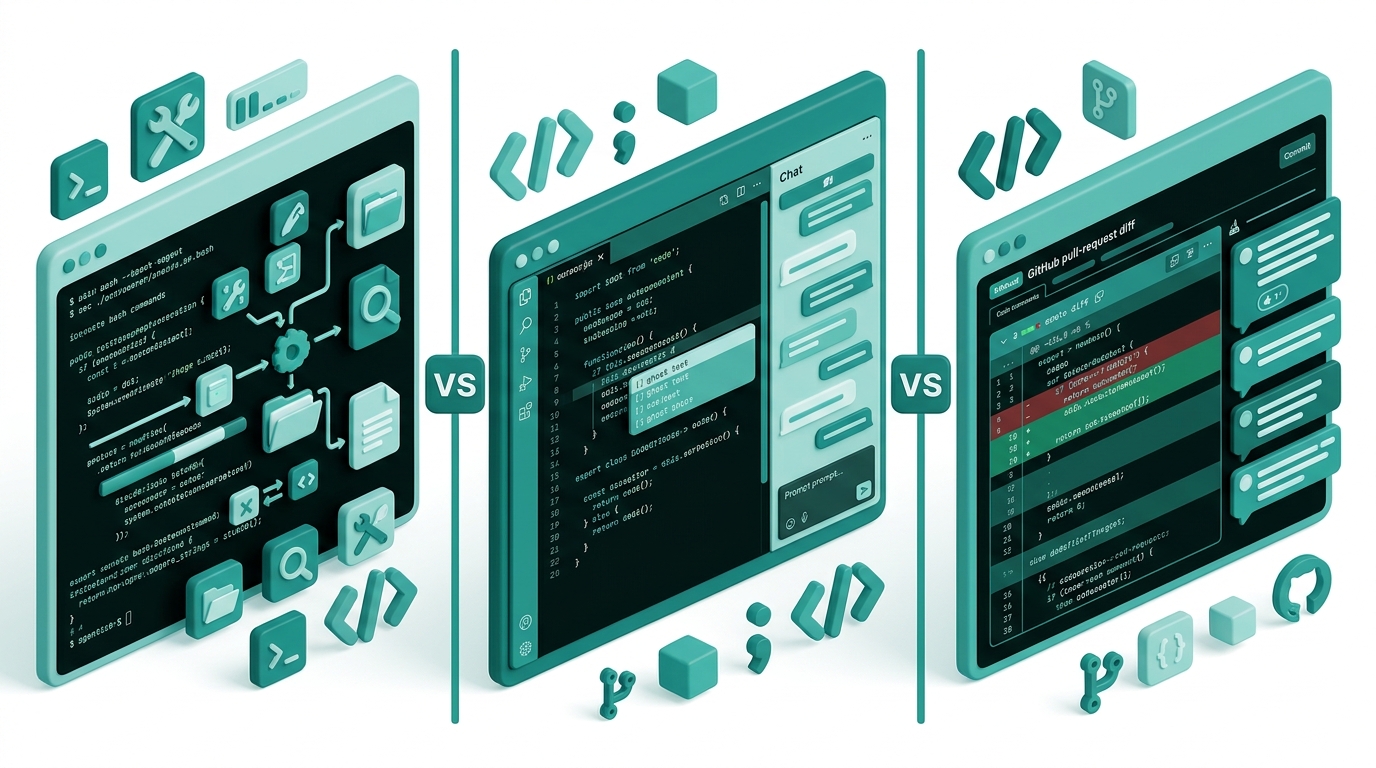
Claude Code runs in your terminal and operates as a true autonomous agent, capable of planning and executing multi-step coding tasks across your entire codebase. Cursor is a full AI-native IDE that puts intelligence inside every surface of the editor. GitHub Copilot is the widest-reaching coding assistant, built to slot into whatever IDE you already use. After extensive research into real developer experiences, benchmarks, and verified pricing, this comparison breaks down exactly where each tool wins and where it falls short.
This guide focuses on agentic capabilities specifically — the ability of each tool to work independently across files, run commands, and complete tasks with minimal hand-holding. If you have only ever used Copilot for autocomplete, you may be surprised by how much the category has evolved.
Quick Comparison
| Feature | Claude Code | Cursor | GitHub Copilot |
|---|---|---|---|
| Interface | Terminal + IDE extensions | Standalone IDE (VS Code fork) | IDE extension (10+ editors) |
| Agentic mode | Yes, full autonomous agent | Yes, background agents | Yes, agent mode (limited) |
| Individual price | $20/month (Pro) | $20/month | $10/month (Pro) |
| Free tier | Limited trial | Limited requests | Yes (2,000 completions/month) |
| Team price | $25/seat/month | $40/seat/month | $19/seat/month |
| Models | Claude Sonnet 4.6, Opus 4.7 | Multiple frontier models | GPT-5, Claude, Gemini, others |
| Codebase indexing | Full repo context | Full repo context | Enterprise plan only |
| Slack integration | Yes | No | No |
| Best for | Autonomous multi-step tasks | Daily AI-native editing | Multi-IDE teams, budget users |
What is Claude Code?
Claude Code is Anthropic’s agentic coding tool, designed to work alongside developers in the terminal, inside IDE extensions, and even from Slack or a web browser. Unlike tools that bolt AI onto an existing editor, Claude Code is built from the ground up as an autonomous agent. You describe a task, and it explores your codebase, edits files, runs shell commands, executes tests, and creates pull requests — all without constant prompting.
The tool supports VS Code, VS Code forks like Cursor and Windsurf, JetBrains IDEs, and the command line. Its Slack integration is a genuine differentiator: teams can assign tasks directly from a Slack message and receive a finished PR as a response. Claude Code also supports Model Context Protocol (MCP) servers, which lets teams extend it with custom tools and data sources.
Claude Code is powered by Anthropic’s own Claude models, currently Claude Sonnet 4.6 and Claude Opus 4.7. It is included in the Pro plan at $20/month (or $17/month billed annually at $200/year). For developers who need heavier usage, Max plans start at $100/month (5x Pro usage) and $200/month (20x Pro usage). A Team plan is available at $25/seat/month billed annually, with a Premium tier at $100/seat/month for higher usage and enterprise features. Claude Code has rapidly grown into one of Anthropic’s key revenue drivers, generating an estimated $2.5 billion in annualized revenue as of 2026.
The terminal-first design is both a strength and a limitation. Developers comfortable in the command line will love the speed and flexibility. Those who prefer visual IDEs may find the learning curve steeper than Cursor.
What is Cursor?
Cursor is a standalone AI-native IDE built as a fork of Visual Studio Code. Rather than adding AI as an extension, Cursor weaves intelligence into every surface of the editor — autocomplete, multi-file editing, codebase search, background agents, and built-in code review. If you already use VS Code, switching to Cursor requires almost no relearning of the interface, since keybindings, themes, and extensions all transfer over.
Cursor’s flagship features include Tab for AI autocomplete that predicts entire code blocks, Composer for multi-file edits guided by natural language instructions, and Agent mode for autonomous task execution within the IDE. Its Bugbot feature reviews pull requests automatically, flagging potential bugs before code merges. Cursor also supports MCP servers, allowing developers to connect it to external tools and data sources.
One of Cursor’s biggest advantages is model flexibility. It can route requests through multiple frontier models, letting you pick the right model for each task rather than being locked into a single provider. This is particularly useful for teams with mixed workloads — using a fast, cheap model for autocomplete and a powerful reasoning model for complex refactors.
Pricing runs at $20/month for individuals (Hobby plan is free with limits). Teams pay $40/user/month, which is the steepest team pricing of the three tools. An Enterprise plan is available with custom pricing. Cursor has achieved SOC 2 Type 2 compliance, making it viable for teams with strict security requirements.
What is GitHub Copilot?
GitHub Copilot is Microsoft and GitHub’s AI coding assistant, and it remains the most widely used AI coding tool in the world. Its core strength is reach: it works inside VS Code, JetBrains IDEs, Neovim, Xcode, Eclipse, Zed, and more — wherever you already code. Rather than forcing a workflow change, Copilot enhances your existing setup with inline suggestions, chat, code review, and, more recently, agent mode.
GitHub Copilot’s model flexibility is a standout feature. Depending on your plan, you can route requests through OpenAI’s GPT-5, Anthropic’s Claude models, Google’s Gemini, and other providers. This prevents vendor lock-in and lets teams select the best model for each use case. GitHub’s Enterprise plan adds organizational codebase indexing, dramatically improving suggestion quality for large proprietary codebases.
The free tier is genuinely useful: 2,000 code completions and 50 agent/chat requests per month at no cost. The Pro plan is $10/month, including 300 premium requests monthly and access to frontier models. Pro+ runs $39/month with 5x the premium requests and access to advanced models including Claude Opus 4.7. Business plans cost $19/seat/month. Starting June 1, 2026, GitHub is migrating all Copilot plans to usage-based billing tied to token consumption.
Where Copilot lags is in agentic depth. Its agent mode is improving rapidly, but it does not yet match Claude Code’s ability to autonomously complete complex, multi-step tasks across an entire codebase. It remains best as an accelerator for developers who know what they want to build, rather than a fully autonomous collaborator.
Feature-by-Feature Breakdown
Agentic Capabilities
Claude Code wins this category. It is the only tool designed from day one as a true autonomous coding agent. Given a task like “refactor the authentication module to use JWT, update all related tests, and open a PR,” Claude Code can plan and execute every step without further input. It reads files, writes code, runs tests, interprets the output, and iterates until the task is complete. The Slack integration extends this further — you can literally assign Claude Code a task from your phone and return to a finished PR.
Cursor’s Agent mode is strong and operates inside the IDE, handling multi-file edits and running terminal commands. It is well-suited for complex tasks where you want visual feedback at each step. Background agents allow Cursor to work on tasks while you continue coding elsewhere in the editor.
GitHub Copilot’s agent mode is the most limited of the three at this stage. It can execute multi-step tasks, but it requires more guidance and is better suited to bounded tasks than open-ended autonomous work. Microsoft is investing heavily here, so the gap may narrow, but as of mid-2026, Claude Code has a clear edge for agentic workflows.
Code Quality
All three tools produce high-quality code in standard benchmarks, but they have different failure modes. Claude Code, powered by Claude Sonnet and Opus, consistently produces architecturally sound, well-structured code. Independent developer tests report fewer security issues and better long-term maintainability from Claude Code outputs compared to the alternatives — though it is slower for quick, single-line completions where Copilot and Cursor’s Tab feature shine.
Cursor’s Tab autocomplete is widely praised for anticipating developer intent accurately. The ability to switch between models gives it flexibility: use a fast model for routine completions and a high-reasoning model for difficult logic problems. Copilot’s autocomplete remains excellent for TypeScript, Python, and well-typed languages where it has the most training data. It handles common patterns extremely well but can struggle with novel or domain-specific code.
IDE Integration
GitHub Copilot wins on breadth. It integrates with more IDEs than any other tool, which makes it the obvious choice for teams with diverse editor preferences. VS Code, JetBrains, Neovim, Xcode, Eclipse — Copilot works in all of them with a consistent experience.
Cursor is the best choice if your team standardizes on a single IDE. Because it is the IDE rather than an extension, the AI integration is deeper and more seamless. Every menu, every shortcut, and every workflow has been rebuilt with AI in mind.
Claude Code’s IDE story has improved significantly. It offers native extensions for VS Code, Cursor, Windsurf, and JetBrains, plus the web and iOS interfaces. However, its primary home is still the terminal, and the IDE extensions are best thought of as a complement to the CLI workflow rather than a replacement.
Pricing
GitHub Copilot is the most affordable entry point. The free tier is the most useful free offering in this category, and the $10/month Pro plan is half the cost of Cursor and Claude Code at the individual level. For budget-conscious individuals or small teams, Copilot delivers significant value at a lower price.
Claude Code and Cursor are both priced at $20/month for individuals. At the team level, Cursor is the most expensive at $40/seat/month. GitHub Copilot Business at $19/seat/month is the best value for teams. Claude Code’s team pricing at $25/seat/month sits in between, with the Premium tier at $100/seat/month for heavy agentic workloads.
For developers who need maximum Claude Code usage, the Max plans offer 5x ($100/month) or 20x ($200/month) the token allowance of Pro. This is relevant for professional developers who run Claude Code continuously throughout the workday and hit the usage limits on the standard Pro plan. The API is also available for pay-as-you-go access outside of subscription plans.
Context Window and Codebase Understanding
Claude Code can index and operate across an entire codebase, passing full repository context to the underlying Claude models. Claude’s context window (up to 200,000 tokens on Opus 4.7) means it can hold large, complex codebases in working memory simultaneously, which is essential for large-scale refactors and cross-file reasoning.
Cursor also indexes the full codebase and uses a retrieval system to pull relevant context into prompts. It handles large repositories well and has improved context management significantly in recent releases. The ability to switch models means you can route codebase-heavy queries to the model with the largest context window.
GitHub Copilot’s codebase indexing is currently limited to the Enterprise plan. Individual and Business users work primarily with the files open in their editor. This is a meaningful limitation for large codebases, where cross-file context is essential for accurate suggestions. For Enterprise customers, the organizational knowledge base feature narrows this gap considerably.
Who Should Use Which?
Choose Claude Code if you are comfortable in the terminal, your work involves complex autonomous tasks spanning many files, or your team operates asynchronously and would benefit from Slack-based task delegation. It is also the best choice if you are already invested in Anthropic’s model ecosystem or have HIPAA/compliance requirements that Anthropic’s enterprise agreements cover.
Choose Cursor if you want the best all-in-one AI-native IDE experience and are willing to standardize your team on one editor. Cursor is ideal for developers who find the terminal-first approach of Claude Code uncomfortable and want AI woven into a familiar visual interface. Its SOC 2 Type 2 certification makes it suitable for security-conscious teams.
Choose GitHub Copilot if your team uses multiple IDEs and you cannot force a migration to a single editor. It is also the right pick if budget is a primary concern — the free tier and $10/month Pro plan are unmatched in value. Teams already on GitHub Enterprise or using GitHub Actions workflows will benefit from the tightest integration. Copilot is also the safest default for developers who primarily want an accelerator for code they are writing themselves, rather than an autonomous agent.
Use a combination if you are a professional developer who wants the best of all worlds. The most common setup among power users in 2026 is Cursor or Copilot for daily editing and autocomplete, with Claude Code invoked from the terminal for autonomous multi-step tasks. This hybrid approach maximizes both speed and capability without forcing you to choose one paradigm.
Verdict
There is no single winner in this comparison because the three tools are not trying to do the same thing. The real question is what your primary bottleneck is.
If your bottleneck is autonomous task completion across a complex codebase, Claude Code is the best tool available today. Its agentic capabilities are genuinely ahead of the competition, and the terminal-first design is a feature for developers who live in the command line. Check out our Claude coding benchmark comparison for more context on how Claude models perform against alternatives.
If your bottleneck is IDE experience and daily developer ergonomics, Cursor is the answer. It has the best integrated AI editing experience of any IDE, and the model flexibility means you are never locked into one provider’s limitations.
If your bottleneck is cost or IDE flexibility, GitHub Copilot delivers the best value at the lowest price point across the broadest set of development environments. For teams already embedded in GitHub’s ecosystem, it is the path of least resistance. For more on AI tools that accelerate development workflows, see our V0 by Vercel review, which pairs well with any of these coding tools for UI-heavy projects.
The honest answer for most serious developers in 2026 is to pick one as your primary tool and use Claude Code as a secondary layer for the tasks that benefit most from full autonomy. The category is moving fast, and all three tools are improving rapidly — so revisit this comparison every six months.
Frequently Asked Questions
Is Claude Code free to use?
Claude Code is not available on the free Claude plan. It is included starting with the Pro plan at $20/month (or $17/month billed annually at $200/year). A limited trial is available for new users, but ongoing access requires a paid subscription. The Max plan at $100/month provides 5x the usage of Pro, and $200/month provides 20x, for developers with heavy agentic workloads.
Can I use Claude Code inside VS Code?
Yes. Claude Code offers native IDE extensions for VS Code, Cursor, Windsurf, and JetBrains IDEs. The extension integrates Claude Code’s capabilities into your editor so you do not need to switch between the terminal and your IDE constantly. However, the terminal remains the primary interface and offers the most complete feature set.
Is Cursor just a VS Code clone with AI?
Cursor is built on the VS Code codebase (a fork), so it looks and feels familiar to VS Code users. But calling it “just a clone” understates how deeply AI is integrated. Unlike Copilot, which adds AI as an extension, Cursor rebuilt every workflow with AI in mind — multi-file editing, background agents, code review, and codebase search are all native features, not add-ons.
What is the difference between Claude Code and the Claude.ai chatbot?
Claude.ai is a general-purpose AI assistant. Claude Code is a specialized agentic coding tool that runs in your terminal and IDE, with the ability to read your local files, write code, run shell commands, and execute multi-step tasks autonomously. While both use Anthropic’s Claude models, Claude Code has access to your actual codebase and development environment, while Claude.ai operates only on the text you paste into it.
Does GitHub Copilot work with JetBrains?
Yes. GitHub Copilot supports JetBrains IDEs including IntelliJ IDEA, PyCharm, WebStorm, GoLand, and other members of the JetBrains family. This broad IDE support is one of Copilot’s key advantages over Cursor (which is IDE-specific) and Claude Code (which is primarily terminal-based).
Which tool is best for beginners?
GitHub Copilot is the best starting point for most beginners. The free tier requires no credit card and provides 2,000 completions and 50 chat requests per month, which is enough to evaluate the tool meaningfully. It integrates into VS Code without changing your workflow, making the barrier to entry very low. Claude Code’s terminal-first design and Cursor’s additional subscription cost make them better suited to developers with existing professional workflows.
Can Claude Code create pull requests automatically?
Yes. Claude Code can create pull requests as part of an autonomous task. After writing and testing code, it can commit changes and open a PR in your repository. Combined with the Slack integration, this means you can assign Claude Code a task from Slack and return to a finished PR ready for review — without writing a single line of code manually.
How does GitHub Copilot’s new usage-based billing work?
Starting June 1, 2026, GitHub is moving all Copilot plans to usage-based billing. Every plan will include a monthly allotment of GitHub AI Credits, with the option to purchase additional usage. Cost will be calculated based on token consumption — including input, output, and cached tokens — using listed API rates for each model. Current flat-rate pricing applies until that transition date.
The agentic coding landscape in 2026 is the most competitive and capable it has ever been. Claude Code, Cursor, and GitHub Copilot each represent a distinct philosophy about how AI should fit into the development process — autonomous agent, AI-native IDE, and universal extension, respectively. The right choice depends entirely on your workflow, team size, and tolerance for workflow change. Use this comparison as a starting point, run free trials where available, and let the actual work tell you which tool earns a permanent place in your stack.


