
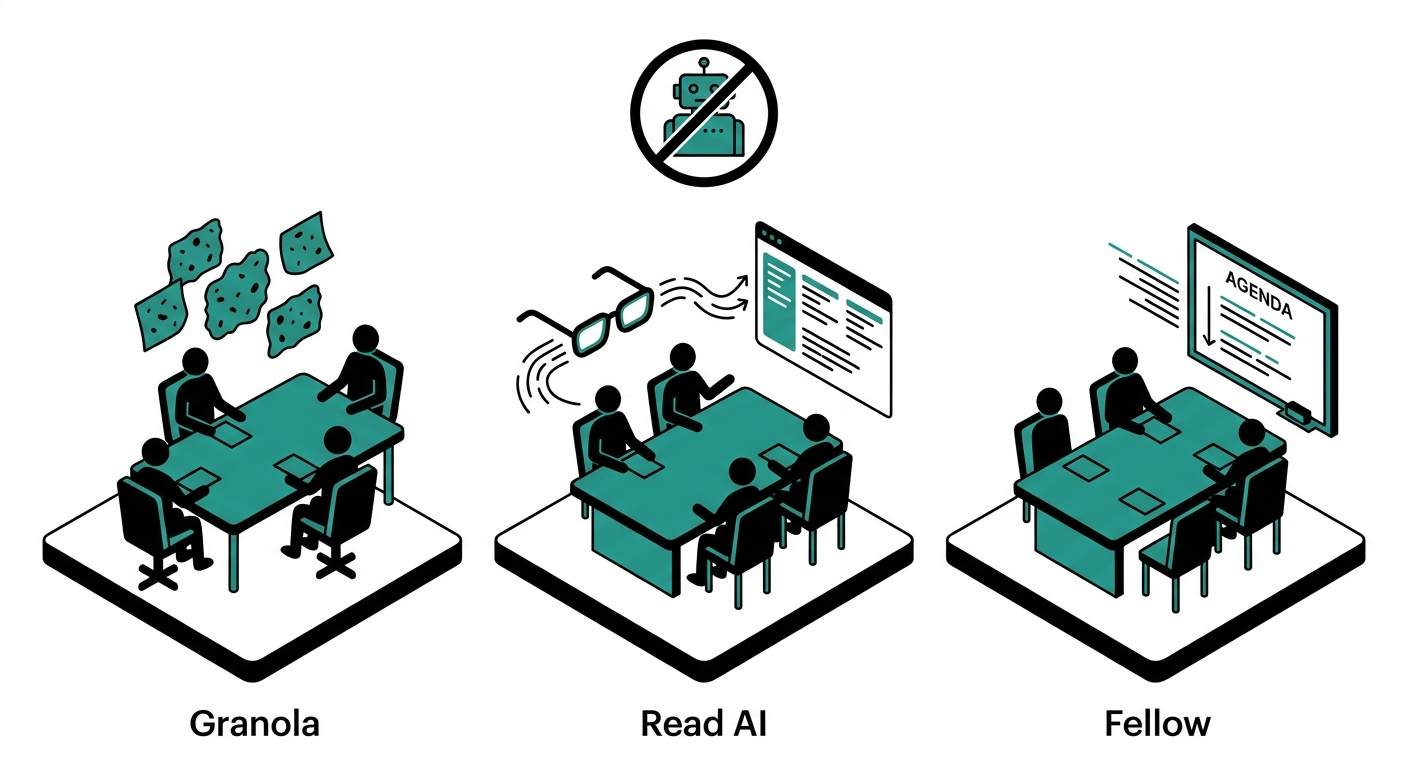
Key Takeaways
- Granola captures system audio directly on your Mac or Windows desktop, meaning zero visible bot in the participant list, and it costs $14 per user per month on the Business plan.
- Read AI deploys a bot that joins your calls as a participant. Chapman University banned it in August 2025 and the University of Washington deactivated it over consent and data-security concerns.
- Fellow offers both a traditional bot and a newer “Botless Recording” mode that records local device audio, giving teams a choice without switching tools.
- Granola trains its AI on user data by default on all plans below Enterprise. You must manually opt out in settings if you are on a lower tier.
- Read AI’s free tier allows only 5 meetings per month. Granola’s free tier allows 25 meetings total, ever. Fellow’s free plan gives 5 recording credits per user.
- Granola is Mac-first. Windows support arrived in late 2025 but many features remain in beta. There is no Linux or web-app option.
- Fellow is the only one of the three with HIPAA support (on Enterprise), SOC 2 Type II certification, and a formalized agenda-and-action-item workflow built around team accountability.
- All three tools integrate with Zoom, Google Meet, and Microsoft Teams, but only Fellow covers Slack Huddles and in-person conversations in the same plan.
- Granola raised $125M in a Series C at a $1.5 billion valuation as of March 2026, signaling rapid product expansion beyond simple note-taking.
Picking an AI meeting notetaker used to mean accepting a robot in your participant list. That is no longer true. Granola built its reputation entirely on the premise that no bot should join the call. Fellow quietly added a botless recording mode. Even Read AI, historically dependent on a persistent bot, has been forced to acknowledge user frustration with uninvited attendees.
This comparison cuts through the noise on three specific questions: how each tool actually captures audio, what the notes look like afterward, and which plan structure makes sense for individuals versus teams. The goal is to help you decide without trialing all three yourself.
What “Bot-Free” Actually Means
A traditional AI notetaker works by sending a software bot into your Zoom or Teams call as a named participant. Everyone in the meeting can see it. The bot streams audio back to the vendor’s servers, where it is transcribed and summarized. You get a clean document at the end, but every person on the call knows they are being recorded by a third-party service.
A bot-free approach skips that entirely. Instead, the desktop app captures audio directly from your computer’s system audio output, or from your device microphone for in-person meetings. No participant is added to the call. Nobody outside your organization sees anything. The transcription still happens on the vendor’s servers in most cases, but the capture itself is invisible to other attendees.
This matters practically in three situations: sales calls where a visible bot can make prospects cautious, legal or healthcare settings where a third-party participant raises compliance questions, and any call with external participants who have not consented to being recorded by your AI tool. According to a review of bot-based notetakers, 12 US states require all-party consent before recording, and a bot that joins and begins transcribing before obtaining that consent may violate those laws.
Granola: Purpose-Built for Invisible Capture
How It Works
Granola runs as a desktop application on Mac or Windows. When you start a meeting on any platform, Granola picks up the audio through system audio capture. You keep a notepad open where you can jot rough bullets during the call. After the meeting ends, Granola’s AI combines your manual notes with the full transcript to produce a structured summary. The result reads more like a document you wrote than an auto-generated report, because your own context guides the structure.
There is no bot. No one else on the call sees Granola in the participant list. The tool works with Zoom, Google Meet, Microsoft Teams, and any other platform that plays audio through your computer because it does not depend on a platform-specific integration for capture.
Key Features
- AI-enhanced notepad: You jot shorthand during the meeting and Granola fills in the gaps using the transcript. This keeps you engaged rather than passively watching a bot work.
- Granola Chat: An AI layer you can query across a single meeting, a folder of meetings, or your entire history. You can ask it to draft a follow-up email, produce a product brief, or surface a decision from three weeks ago.
- Spaces (launched 2026): Team workspaces with access controls, letting organizations build shared institutional memory from meeting notes.
- Notion and Zapier integration: Available on paid plans. Limited compared to Fellow’s 50+ integrations.
- iPhone app: Captures audio via device microphone, useful for in-person meetings or phone calls.
Limitations
Granola is Mac-first. Windows support arrived in late 2025 but remains in beta for several features as of early 2026. There is no web app, no iPad app, and no Linux support. If your team is split across operating systems, this is a real constraint.
There is no audio or video recording. Granola produces a transcript and notes, but you cannot go back and listen to the meeting. Speaker identification can be inconsistent in larger calls with multiple participants. And unless you are on the Enterprise plan, Granola uses your data to train its models by default. You must manually disable this in settings on lower tiers, a detail that catches many users off guard.
Pricing
- Basic (Free): Unlimited meetings, but notes older than 30 days have limited access, and integrations are locked.
- Business: $14 per user per month, includes full integration access, Granola Chat with advanced models, and team features.
- Enterprise: Starting at $35 per user per month, adds SSO, automatic AI training opt-out, usage analytics, and API access.
Granola does not offer HIPAA compliance or BAA signing, which removes it from consideration for healthcare organizations.
Read AI: Bot-First with Analytics Extras
How It Works
Read AI operates primarily through a bot that joins your calls as a visible participant. It connects to your calendar, identifies upcoming meetings, and sends its bot to join automatically unless you configure exceptions. The bot records, transcribes, and summarizes in real time. After the meeting, you receive a detailed report with highlights, action items assigned by name, questions asked, and sentiment analysis.
Read AI also accepts file uploads for pre-recorded audio or video, which is useful for processing recordings that already exist.
Key Features
- Engagement analytics: Read AI scores the call on metrics like talk time distribution, filler word frequency, speaking pace, and meeting sentiment. This is useful for sales coaching or team development reviews.
- Action item attribution: Items are tied to specific speakers, not just listed generically.
- Meeting search: A searchable archive of past meetings with AI-powered retrieval.
- Broad integrations: Connects to CRMs, project management tools, and communication platforms.
- In-person and async: Works for uploaded recordings in addition to live calls.
The Privacy Problem
Read AI’s bot has a documented history of joining calls without explicit per-meeting consent from attendees. Chapman University issued a security notice in August 2025 banning the tool because it was auto-joining meetings and following users across platforms. The University of Washington deactivated it over privacy and data-security risks. Oxford University blocked its users from signing up using their Oxford credentials.
The core issue is that Read AI attaches to a calendar and joins every meeting it finds, including meetings where other participants have not agreed to be recorded. In GDPR-regulated countries, that is a liability. In 12 US states with all-party consent laws, it may be a legal violation depending on the call context.
Read AI says its model contribution is opt-in rather than the default. Enterprise+ adds HIPAA support, SSO, retention controls, and domain capture, making it viable for heavily regulated organizations that need the analytics layer and are willing to manage the governance overhead.
Pricing
- Free: 5 meetings per month.
- Pro: $19.75 per user per month (billed annually).
- Enterprise: $29.75 per user per month.
- Enterprise+: $39.75 per user per month, includes HIPAA and advanced governance.
Read AI is the most expensive of the three for teams, and its free tier is the most restrictive at only 5 meetings per month.
Fellow: The Team-First Option with Botless Choice
How It Works
Fellow started as an agenda and action-item platform before adding AI transcription. That heritage shows in the product: meeting prep is a first-class feature, not an afterthought. You can build collaborative agendas, assign talking points, and send pre-meeting nudges. During the call, Fellow transcribes and lets you add inline notes alongside the AI capture. After the call, summaries and action items appear in a searchable workspace.
Fellow now offers two recording modes. The traditional bot joins the call as a visible participant. The Botless Recording mode, launched in 2024 and refined through 2025, records local device audio in the background while the meeting runs normally on any platform. No bot appears in the participant list. The output, transcript, summary, and action items, lands in the same workspace regardless of which mode you used.
Fellow’s botless mode requires the desktop app. The recording is encrypted and stored within Fellow’s secure infrastructure, not locally on the device, and is governed by the same admin policies that apply to bot-based recordings.
Key Features
- Collaborative agendas: Build and share agendas before the meeting. Teammates can add items, and Fellow sends reminders if someone has not prepared.
- Action items as first-class objects: Assign owners and due dates during the meeting. Tasks resurface in later meeting notes automatically, so decisions do not disappear.
- Ask Fellow: A natural-language search across your meeting history. You can ask what was decided in last Tuesday’s sprint review, get a summary, or draft a follow-up email.
- 50+ integrations: Connects to Notion, Slack, HubSpot, Salesforce, Jira, Asana, Linear, and more. Significantly broader than Granola’s integration library.
- Cross-platform coverage: Works on Zoom, Google Meet, Microsoft Teams, Slack Huddles, and in-person conversations. Available on Mac, Windows, iOS, and Android.
- SOC 2 Type II, GDPR, HIPAA: Compliance certifications available on Enterprise, covering healthcare and regulated industries that Granola cannot serve.
Limitations
Fellow’s free plan is limited to 5 recording credits per user, which is enough for evaluation but not ongoing use. The Business plan at $15 per user per month (billed annually) jumps significantly in cost compared to Granola’s $14 equivalent. Solo users with no team collaboration needs may find the agenda-centric interface adds friction they did not ask for. The botless mode requires the desktop app, so mobile-only users are still dependent on the bot.
Pricing
- Free: Up to 10 users, 5 recording credits per user, core AI notes and action items.
- Team: Paid per user per month, up to 20 users, more credits and meeting automations.
- Business: $15 per user per month billed annually, unlimited AI notes and recordings, CRM integrations, Sales AI recap templates.
- Enterprise: $25 per user per month billed annually, SSO, HRIS syncing, transcript redaction, HIPAA support, workspace analytics.
Head-to-Head Feature Comparison
| Feature | Granola | Read AI | Fellow |
|---|---|---|---|
| Bot-free capture | Yes, always | No (bot by default) | Both options available |
| Platforms (recording) | Any (system audio) | Zoom, Meet, Teams, uploads | Any (system audio or bot) |
| OS support | Mac, Windows (beta) | Web-based, any OS | Mac, Windows, iOS, Android |
| In-person meetings | Yes (iPhone mic) | Via file upload | Yes (device mic) |
| Agenda builder | No | No | Yes |
| Action item tracking | Basic | Yes (speaker-attributed) | Yes (with due dates and owners) |
| Engagement analytics | No | Yes (talk time, sentiment) | No |
| Native integrations | Notion, Zapier, Slack | CRMs, PM tools, many others | 50+ including CRM, Jira, Slack |
| AI data training opt-out | Manual (non-Enterprise) | Opt-in model (not default) | Not specified by default |
| HIPAA / SOC 2 | No | Enterprise+ only | Yes (Enterprise) |
| Free plan | 25 meetings lifetime | 5 meetings per month | 5 credits per user |
| Paid plan entry price | $14/user/month | $19.75/user/month | $15/user/month |
Who Each Tool Is Built For
Granola Works Best For
Granola suits individual contributors and small teams who want clean, private meeting notes without complexity. If you take meetings on a Mac or Windows PC, value the ability to add your own context during the call, and do not need deep CRM integration or compliance certifications, Granola is the lowest-friction option. It is also the right choice for people who are frustrated by bot fatigue and want a tool that is completely invisible to other participants.
It is not the right choice if your team is on Linux, if you need HIPAA compliance, if you want video recording, or if your organization requires the kind of audit trail and admin controls that come with Fellow’s Enterprise plan.
Read AI Works Best For
Read AI suits teams that want call coaching and engagement analytics on top of transcription. Sales teams trying to improve rep performance, managers reviewing communication patterns, and organizations that need to process large volumes of pre-recorded content will find value in the sentiment and talk-time analytics that neither Granola nor Fellow provides.
It is a poor choice for any organization where external meeting participants have not consented to a third-party bot joining the call, or where IT policy requires explicit per-meeting recording consent. The institutional bans at Chapman, Washington, and Oxford are a real signal about enterprise risk.
Fellow Works Best For
Fellow suits teams that run structured meetings with agendas, track action items across multiple sessions, and need accountability baked into the workflow. The agenda builder and action-item persistence make it especially useful for engineering teams running standups and sprint reviews, people managers handling 1-on-1s, and sales teams that want notes flowing into Salesforce or HubSpot automatically.
The botless recording option means teams do not have to choose between privacy and a full-featured platform. Fellow is also the only one of the three with cross-platform desktop and mobile support, SOC 2 Type II, GDPR, and HIPAA certifications, making it the default recommendation for any regulated industry.
Frequently Asked Questions
Does Granola work on Windows?
Yes, but with caveats. Granola released Windows support in late 2025. As of early 2026, several features remain in beta on Windows. Mac users get a more polished and complete experience. There is no Linux version and no web app.
Can other people tell that Granola is recording the meeting?
No. Granola captures audio from your computer’s system audio. It does not join the meeting as a participant. No one else on the call sees any indication that Granola is running. You are responsible for disclosing to other participants that you are recording, depending on your jurisdiction’s consent laws.
Why did Chapman University ban Read AI?
Chapman University issued a security notice in August 2025 citing privacy, security, and institutional data risks. The primary concern was Read AI’s behavior of auto-joining meetings and following users across platforms without explicit per-meeting consent. The University of Washington and Oxford University took similar steps.
Does Fellow always send a bot to meetings?
No. Fellow added Botless Recording as an option. You choose “Record without bot” and Fellow captures audio through the desktop app in the background. The bot mode is still available if you prefer it, and both modes produce the same output in your Fellow workspace.
Which tool is best for solo users on a budget?
Granola’s Business plan at $14 per user per month is the most affordable paid option for a single user. If you only need a few meetings per month, Read AI’s free tier at 5 meetings is functional but limited. Fellow’s free plan gives 5 recording credits which run out quickly. For solo use with privacy as the priority, Granola is the strongest pick at the price.
Can these tools record in-person meetings?
Granola can, via the iPhone app which uses the device microphone. Fellow can capture in-person conversations through the desktop app’s local audio capture or mobile microphone. Read AI accepts uploaded audio files after the fact but does not capture in-person meetings in real time the same way. For in-person reliability, Fellow has the broadest support across device types.
Which tool is HIPAA compliant?
Fellow on the Enterprise plan is HIPAA compliant and will sign a Business Associate Agreement. Read AI’s Enterprise+ tier also supports HIPAA. Granola explicitly states it is not HIPAA compliant and does not sign BAAs, which eliminates it from healthcare use cases.
Does Granola use my meeting data to train its AI?
Yes, by default, on plans below Enterprise. Granola trains its models on user data unless you manually disable this in settings. The Enterprise plan ($35+ per user per month) automatically opts the entire organization out of model training. This is a meaningful privacy distinction compared to Read AI, where model contribution is opt-in rather than the default.
Which tool has the best integrations?
Fellow leads with 50+ native integrations including Salesforce, HubSpot, Jira, Asana, Linear, Notion, and Slack. Read AI also has strong CRM and project management integrations. Granola’s integration library is smaller, covering Notion, Zapier, and Slack on paid plans. If workflow automation across your existing stack matters, Fellow or Read AI will serve you better than Granola.
The Bottom Line
If privacy and simplicity are your top priorities, Granola delivers the cleanest bot-free experience for individuals and small teams on Mac. It is the fastest path from “meeting happened” to “clean notes exist” without any social friction from a visible bot.
If you run structured team meetings with agendas and tracked action items, need compliance certifications, or want a single tool that works across every OS and device, Fellow is the stronger long-term platform. The botless recording option means you do not sacrifice privacy to get the team features.
If you need engagement analytics, talk-time coaching, or sentiment analysis on top of transcription, Read AI adds a layer that neither Granola nor Fellow matches. Just go in with clear expectations about the bot behavior, configure explicit per-meeting controls, and verify that your jurisdiction’s consent requirements are met before deploying it to external-facing calls.
All three tools are improving rapidly. Granola’s $125M Series C announced in March 2026 points to major product expansion. Fellow continues to build out its compliance infrastructure. Read AI faces the challenge of rebuilding trust after several institutional bans. Watch how each handles the privacy-versus-features tradeoff over the next year.


